
Engineer / Product guide
FBD logic & derived tags
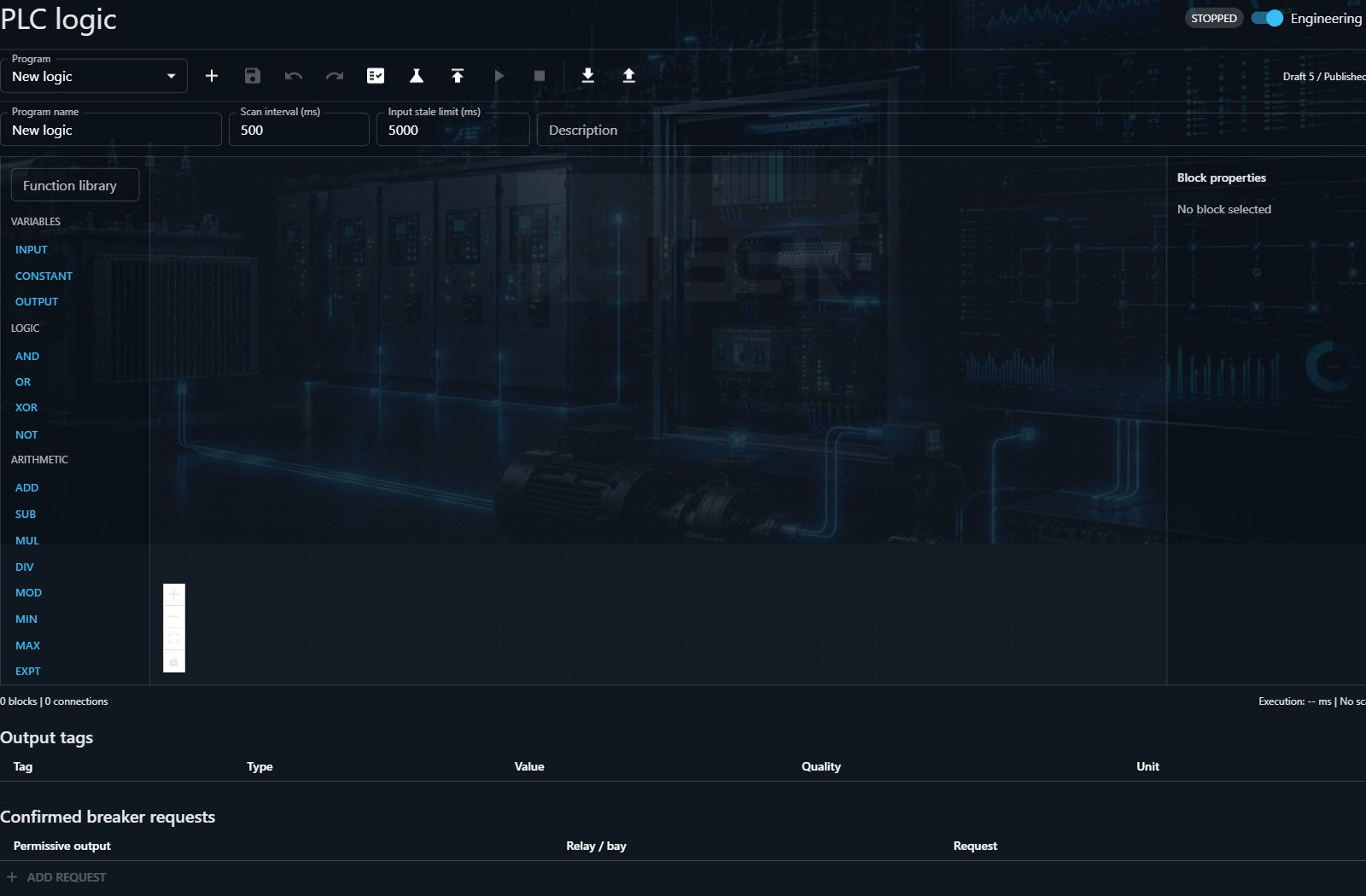
The PLC Logic workspace provides an FBD engineering profile integrated with common tags. Derived outputs can support indications, calculations and configured permissive workflows.
Actual application / 31 October 2026
Inside this workspace.
Captured from the running application. Open any image at full size. Original quality and operating states are retained.
01
Function-block engineering
Connect typed inputs, functions and outputs.
- The source includes Boolean logic, arithmetic, comparisons, selectors and scalar conversions.
- Timer, edge, latch and counter families include TON/TOF/TP, R_TRIG/F_TRIG, SR/RS and CTU/CTD/CTUD.
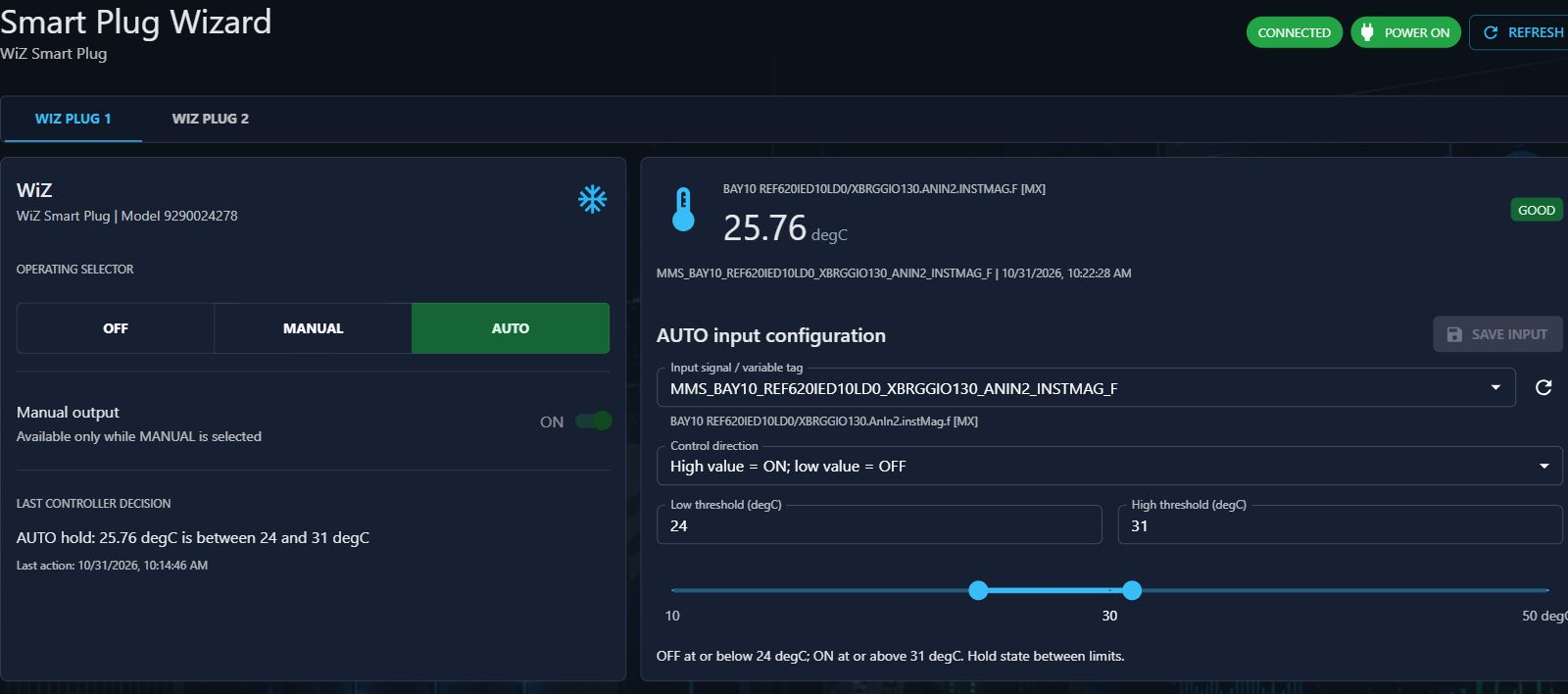
- Additional bounded operations include string functions, bit operations, UNIT_DELAY and HYSTERESIS.
02
Publishing and operation
Keep engineering changes distinct from running logic.
- Logic services provide draft/published workflows and explicit operating states.
- Common input tags avoid duplicating the underlying acquisition.
- Owned PLC output tags identify derived values separately from physical source measurements.
03
Supervised automation
Application logic does not replace equipment protection.
- Review types, invalid calculations, timing and data-quality handling before use.
- Physical commands must continue through configured authorization and control services.
- Use isolated inputs and a reviewed commissioning procedure when qualifying a logic application.
A typical workflow
- 01Define the calculation or indication and select existing input tags.
- 02Build and validate the block connections and output variables.
- 03Review the published revision and operating state before accepting its derived values.
Scope for your installation
- This is a bounded FBD profile, not complete IEC 61131-3 coverage, a hard-real-time controller or a safety-certified PLC.
- Do not assume ST/LD/SFC editors, PID/autotuning, hardware code generation, retentive memory or unattended ATS.
- Generic physical Modbus command-button changes remain partial and are excluded from released capability claims.
These guides describe reviewed application modules. The available Windows download is V4.0.0; newer source features may require a later package. IFSN will confirm the modules, compatible hardware and commissioned scope for your release.
Your site. Your requirements.
See how it fits your installation.
Share your relays, meters, sensors, protocols and reporting needs. Our engineers can discuss a demonstration and the appropriate customer package.