
Investigate / Product guide
COMTRADE disturbance records
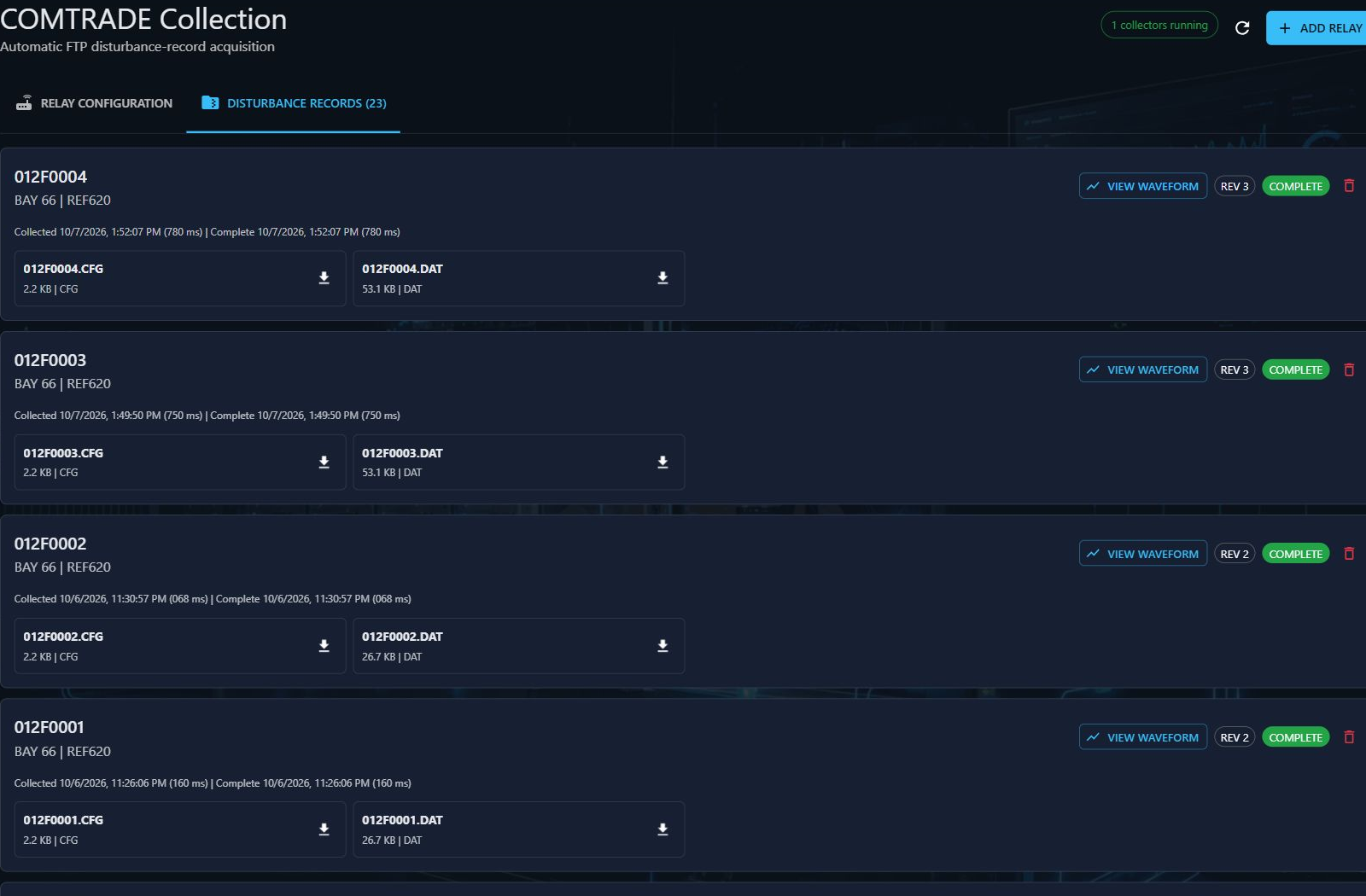
COMTRADE Collection and the viewer connect registered records to the equipment context. Collection, record completeness and waveform interpretation are separate steps in the investigation.
Actual application / 31 October 2026
Inside this workspace.
Captured from the running application. Open any image at full size. Original quality and operating states are retained.
01
Collection
Configure relay file access and monitor the collection process.
- Per-relay collector settings cover the connection, directory and polling workflow.
- CFG and DAT files form the required pair for a complete waveform record.
- Collection services handle staged files, metadata and duplicate/revision workflows.
02
Waveform investigation
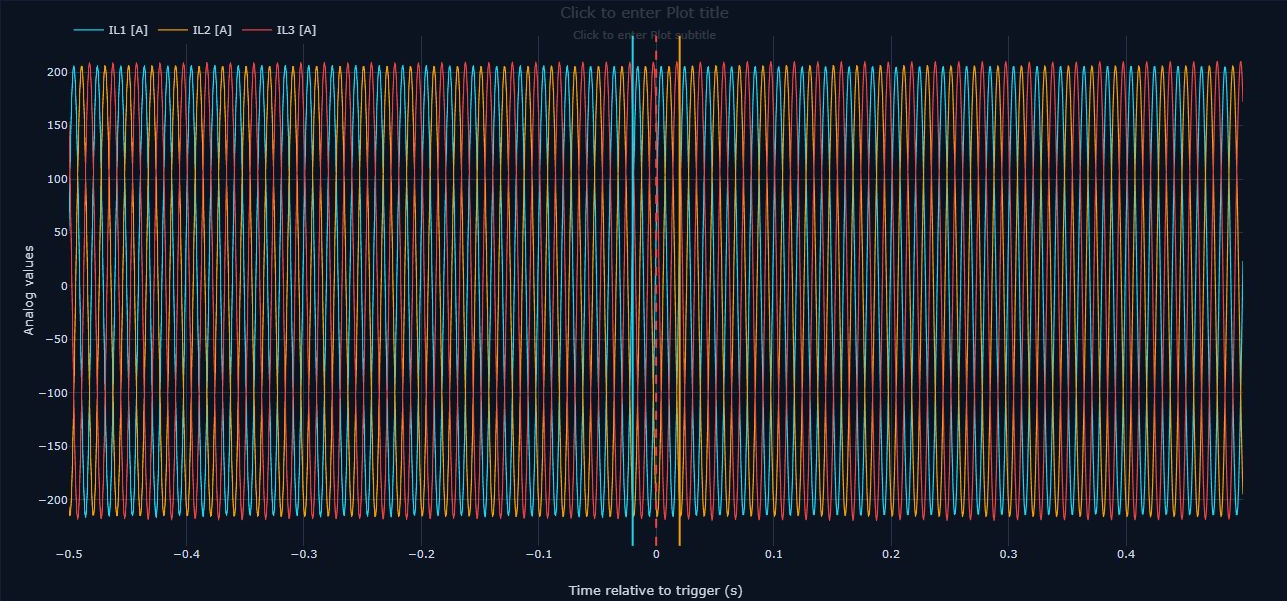
Explore the channels and timing of a registered record.
- The viewer provides analogue/digital channel selections and interactive waveform views.
- Inspect station/record metadata, trigger context, channel units and configured ratio information.
- Viewer services include cursor/statistical analysis and supported channel/export workflows.
03
Record handling
Keep source records and analysis context together.
- Registered record identifiers connect the viewer to managed files.
- Retain original record files alongside exported analysis where the investigation requires them.
- Check parser support for the record encoding and sampling-rate layout of the target relay.
A typical workflow
- 01Configure and test the relay's collection connection.
- 02Confirm the complete record is registered before opening its waveforms.
- 03Choose relevant channels, inspect trigger timing and export the supported analysis format.
Scope for your installation
- Legacy FTP does not encrypt transport; its use requires an appropriate site network arrangement.
- Parser support and large-record performance must be validated against the actual relay files.
These guides describe reviewed application modules. The available Windows download is V4.0.0; newer source features may require a later package. IFSN will confirm the modules, compatible hardware and commissioned scope for your release.
Your site. Your requirements.
See how it fits your installation.
Share your relays, meters, sensors, protocols and reporting needs. Our engineers can discuss a demonstration and the appropriate customer package.