
Connect / Product guide
Multi-protocol acquisition
Configure each source once, then reuse its measurements across dashboards, electrical views, recordings and analysis. Protocol drivers operate independently and feed the shared backend cache.
Actual application / 31 October 2026
Inside this workspace.
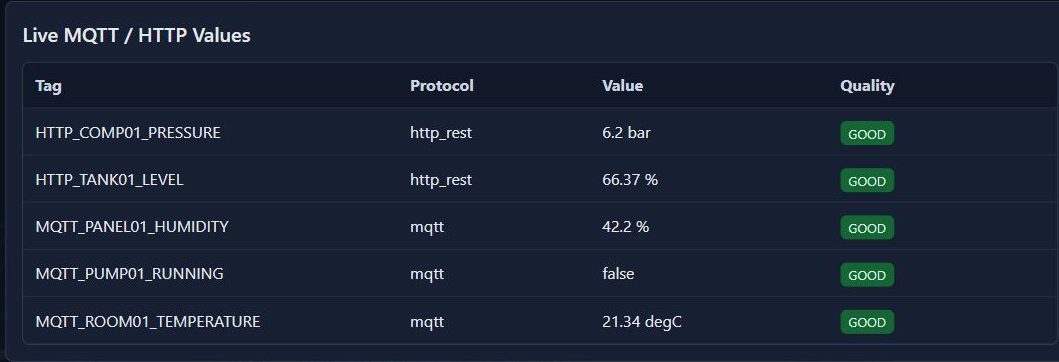
Captured from the running application. Open any image at full size. Original quality and operating states are retained.
01
Industrial devices
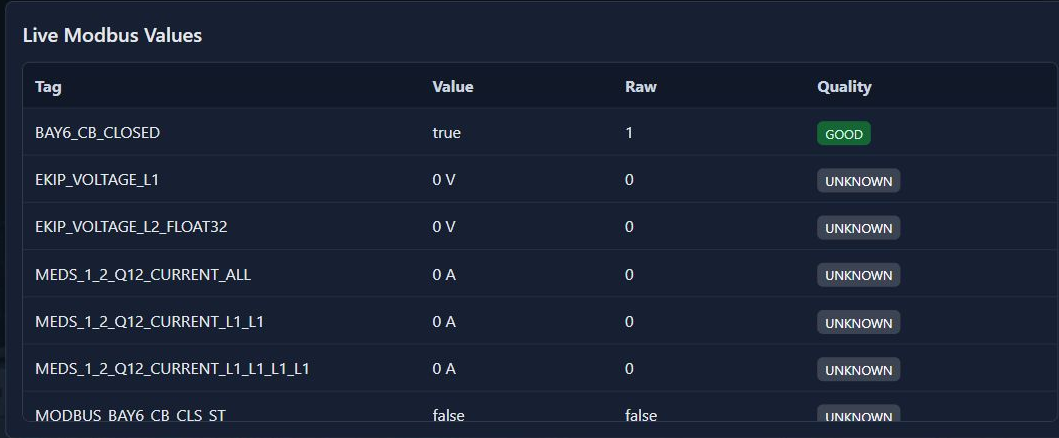
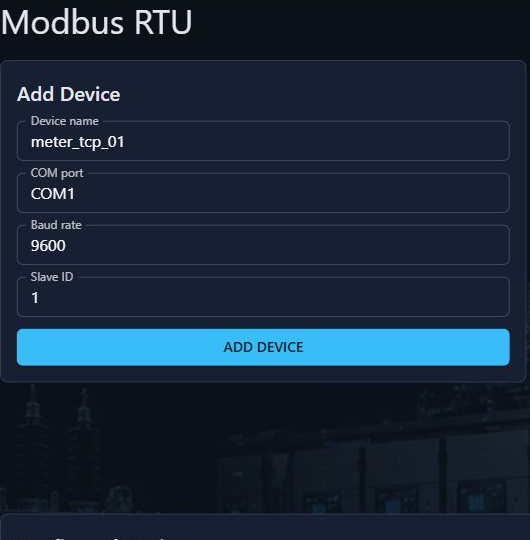
Map documented device points to named engineering values.
- Modbus TCP and RTU configurations include addressing, data types, byte/word order and scaling.
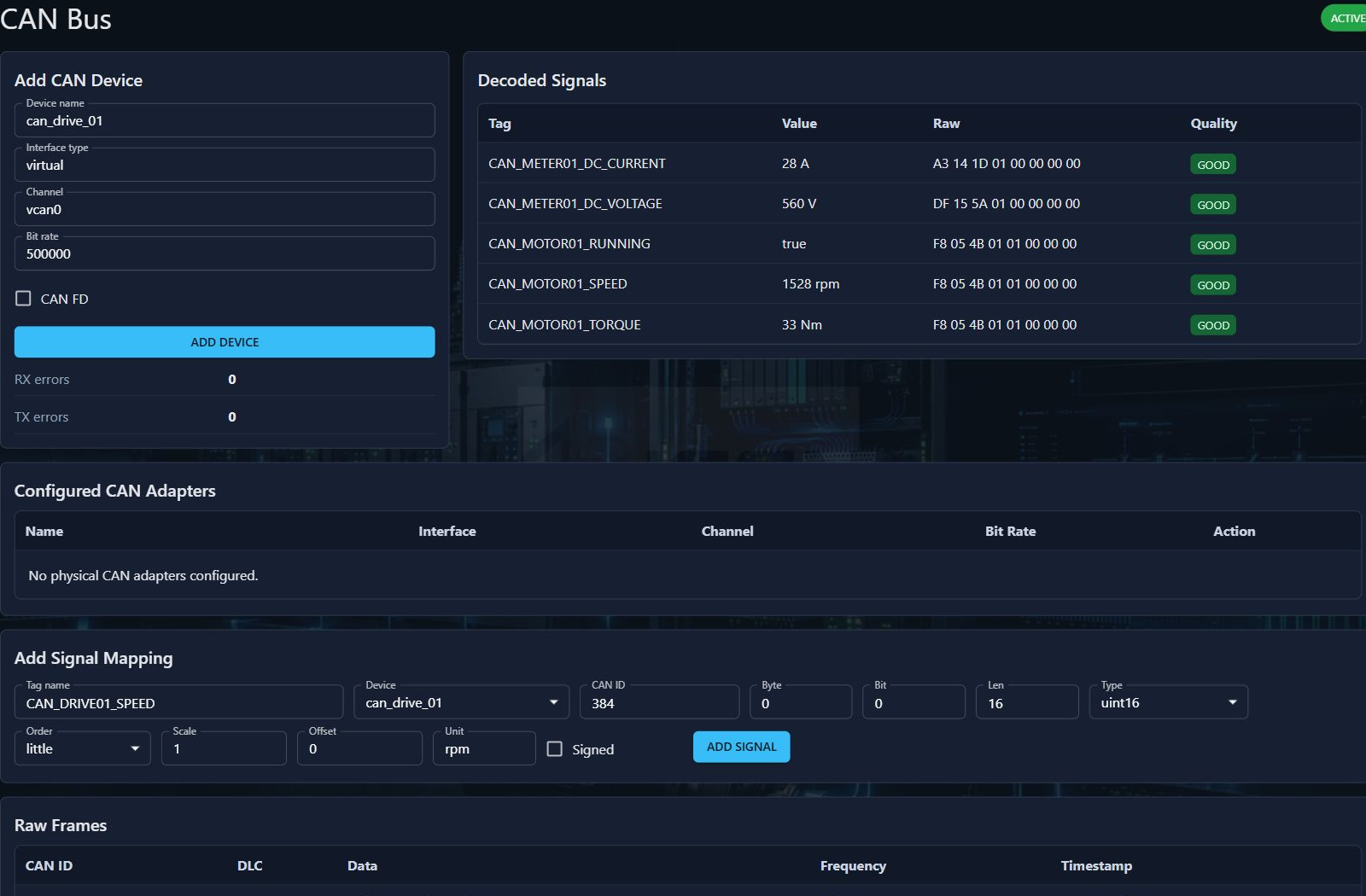
- CAN and CAN FD acquisition depends on the selected adapter, backend and signal definitions.
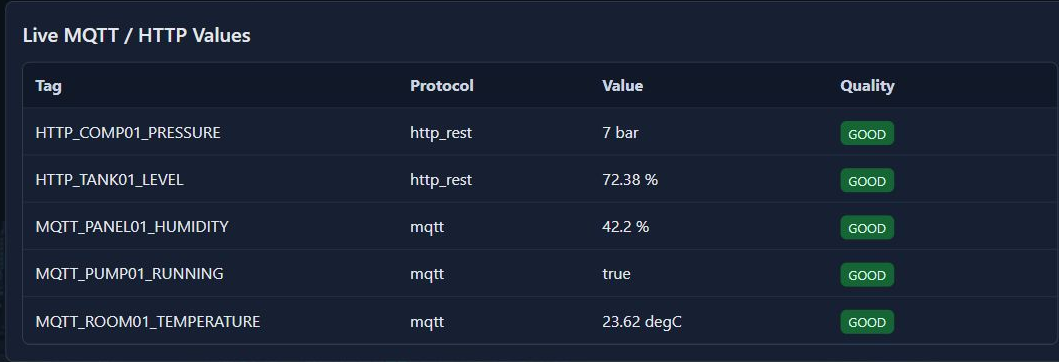
- MQTT input and HTTP/REST polling provide configurable paths for compatible connected devices.
02
Protection relays and process bus
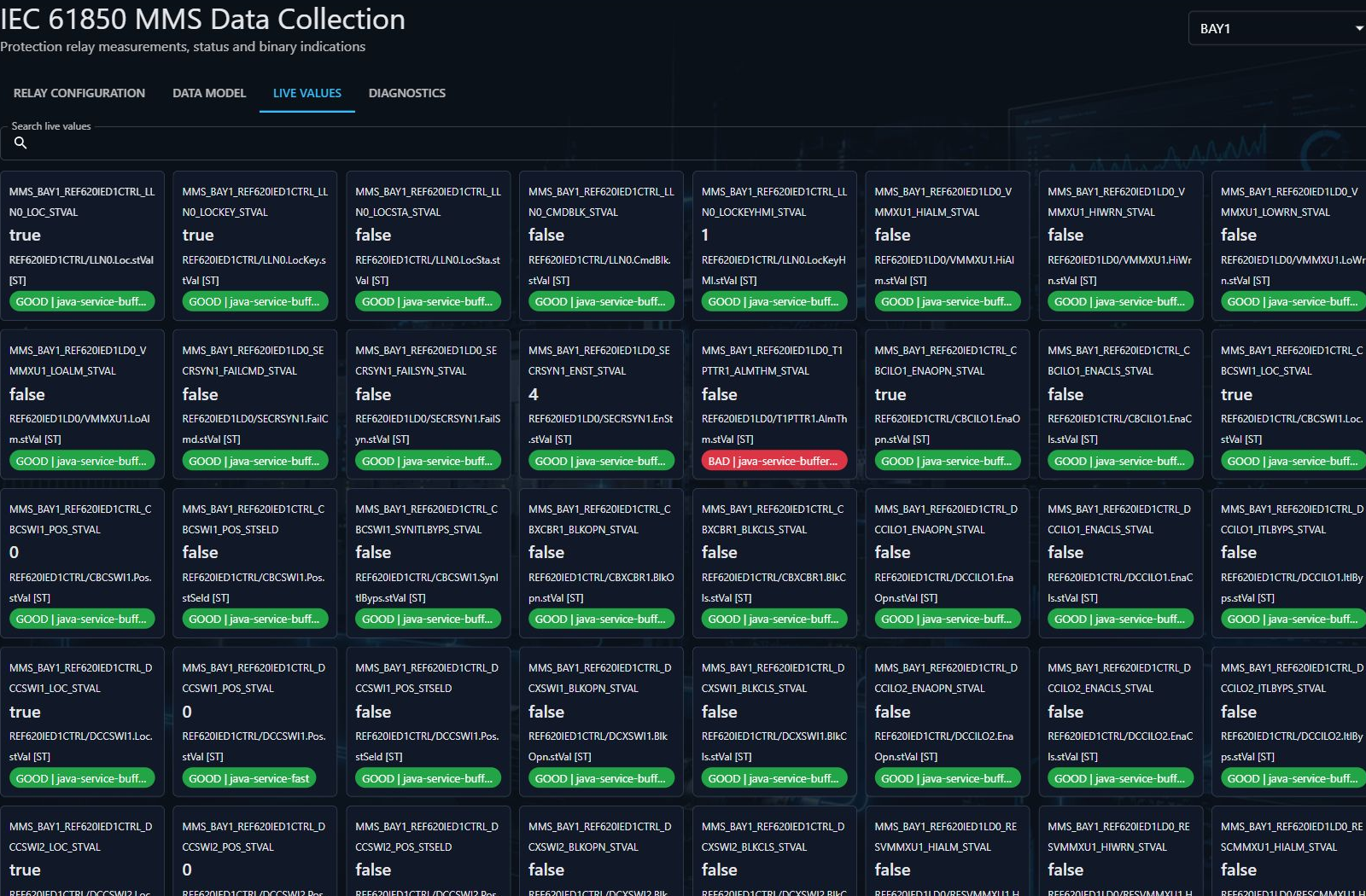
IEC 61850 MMS and Sampled Values have different acquisition paths.
- MMS workflows include model import, mapped measurements and indications, report diagnostics and configured polling.
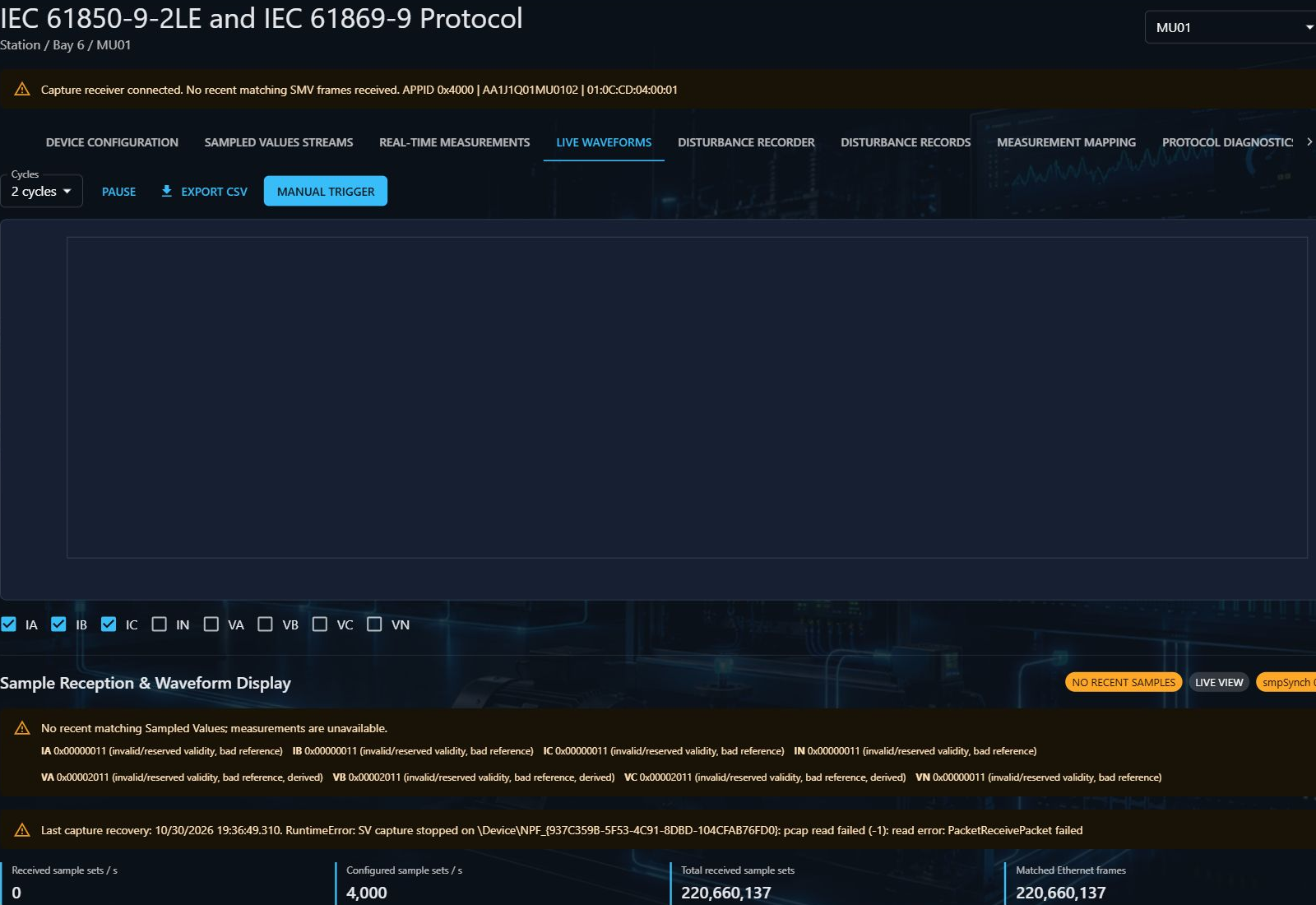
- Sampled Values acquisition uses Ethernet Layer 2 capture, channel mappings and a shared raw-sample buffer.
- Capture, replay and simulation remain distinguishable; synchronization and publisher quality affect downstream measurements.
03
Sensors and gateways
Connect supported devices through the appropriate interface.
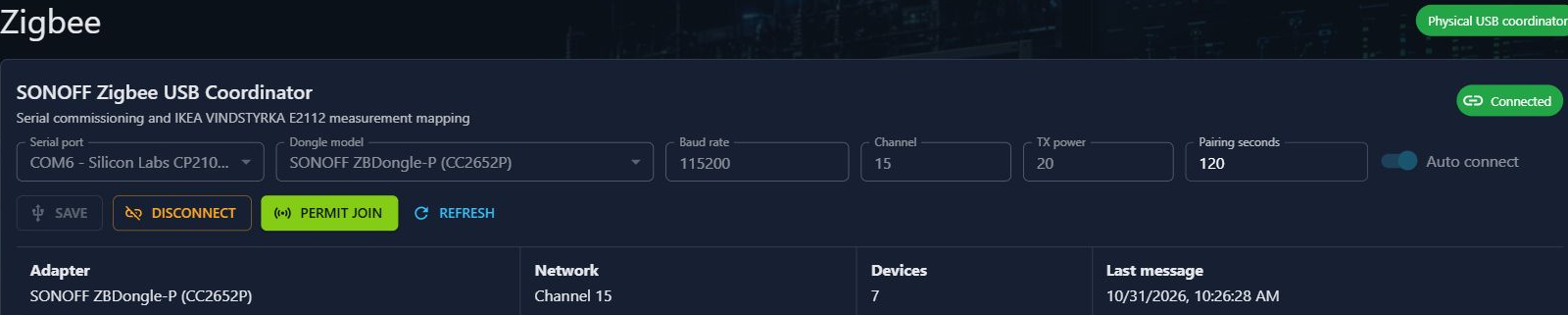
- Zigbee uses a compatible USB coordinator and supported device/reporting profiles.
- Tuya local/cloud integrations require device-specific mappings and credentials.
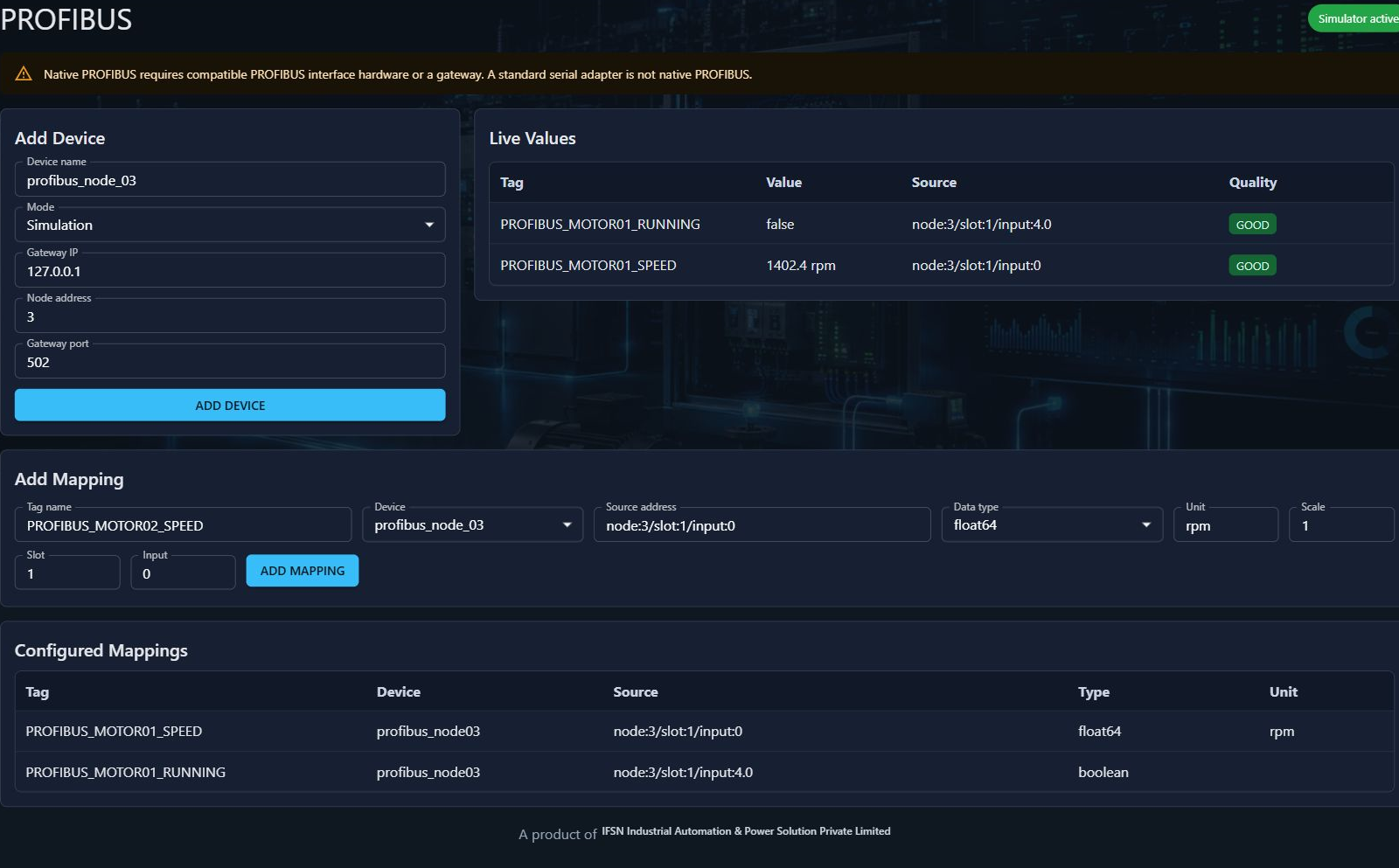
- PROFIBUS integration is gateway/simulator scoped; a qualified native master is not implied.
A typical workflow
- 01Identify the device, protocol, hardware interface and documented point map.
- 02Configure acquisition and assign unique common tags, units and scaling.
- 03Check quality, timestamps and connection diagnostics before using the values in a view or report.
Scope for your installation
- Hardware compatibility and sustained acquisition rates require validation on the intended installation.
- Monitoring is distinct from physical control. Generic Modbus command-button work remains partial and is not advertised as a released capability.
These guides describe reviewed application modules. The available Windows download is V4.0.0; newer source features may require a later package. IFSN will confirm the modules, compatible hardware and commissioned scope for your release.
Your site. Your requirements.
See how it fits your installation.
Share your relays, meters, sensors, protocols and reporting needs. Our engineers can discuss a demonstration and the appropriate customer package.