
Record / Product guide
Historian, alarms & events
The backend owns acquisition and recording. Operators can close a browser without intentionally stopping those background services, while later views query the stored information.
Actual application / 31 October 2026
Inside this workspace.
Captured from the running application. Open any image at full size. Original quality and operating states are retained.
01
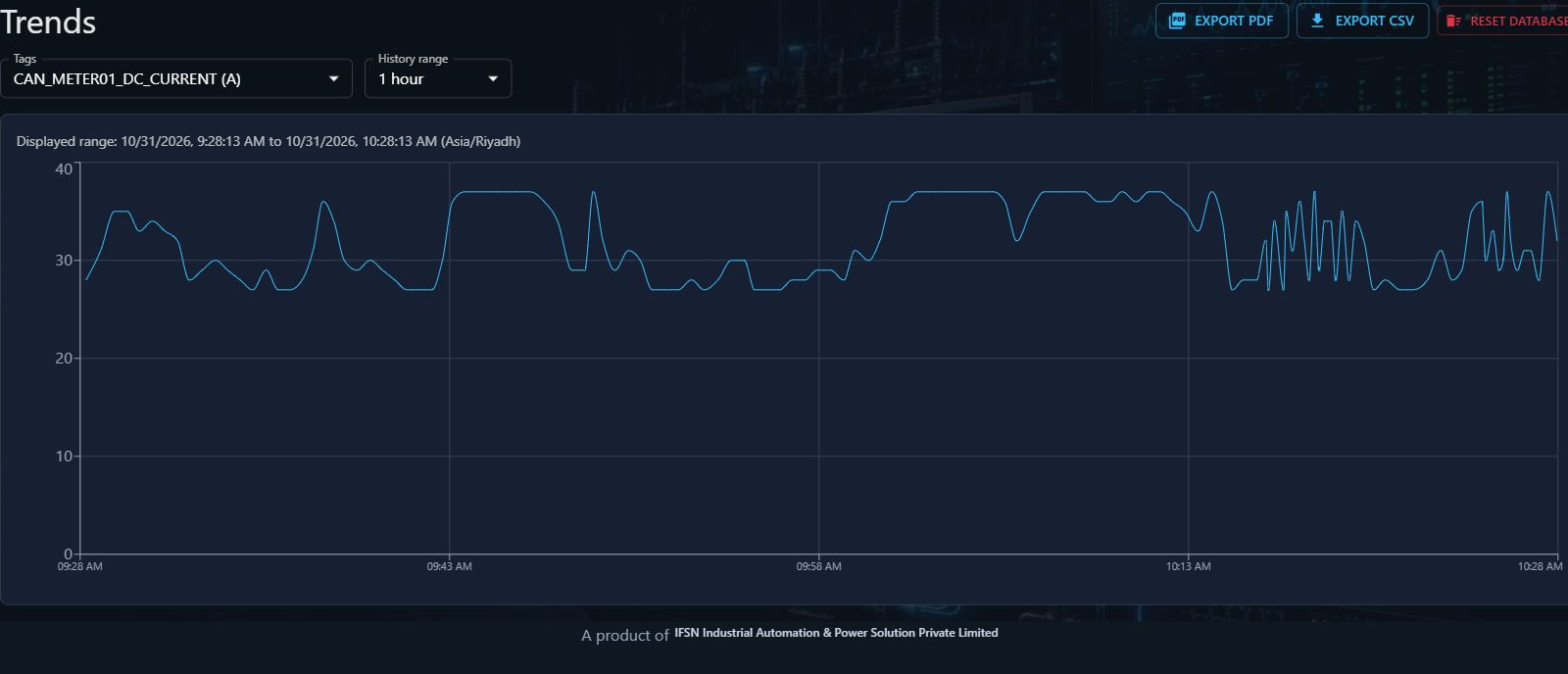
History and trends
Work with selected signals over a defined interval.
- Historian workflows include tag selection, preset periods and custom start/end filters.
- Available CSV/PDF reporting workflows combine selected intervals, values and customer context.
- Recording gaps and bad-quality data need to remain visible when interpreting a trend.
02
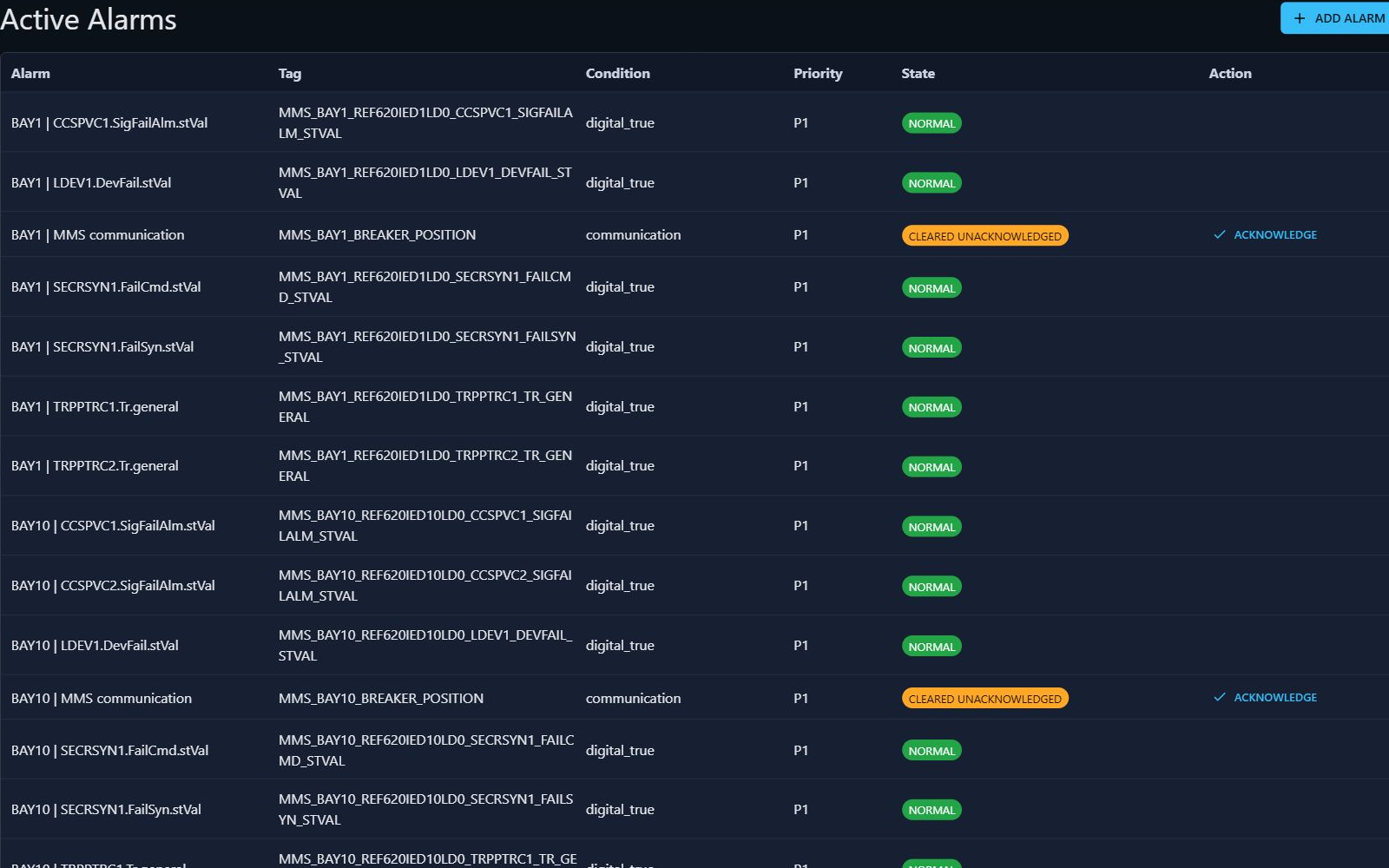
Alarm investigation
Use configured rules and persistent history to follow abnormal conditions.
- Analogue/digital rules and active alarm views support investigation and acknowledgement.
- Per-bay views help relate alarms to the equipment being monitored.
- A source becoming unavailable must be distinguished from a valid return to normal.
03
Events and audit
Separate equipment events from application activity.
- Relay/report-origin events and system activity serve different investigation needs.
- System logs cover supported configuration, connection and control workflows.
- Review event origin, source timestamp and configured site timezone when reconstructing a sequence.
A typical workflow
- 01Select the equipment and signals involved in the event.
- 02Set the historical interval and inspect quality, gaps and event origins.
- 03Export the supported report format and retain the relevant operator/audit context.
Scope for your installation
- Retention and recording intervals must be sized for the site's workload and available storage.
- A historical event timestamp and current connection freshness describe different aspects of a signal.
These guides describe reviewed application modules. The available Windows download is V4.0.0; newer source features may require a later package. IFSN will confirm the modules, compatible hardware and commissioned scope for your release.
Your site. Your requirements.
See how it fits your installation.
Share your relays, meters, sensors, protocols and reporting needs. Our engineers can discuss a demonstration and the appropriate customer package.