
Monitor / Product guide
Condition monitoring & sensors
Condition monitoring brings supported Zigbee and Tuya measurements into named sensor workspaces. Shared tags let the same inputs serve trends, history and configured application logic.
Actual application / 31 October 2026
Inside this workspace.
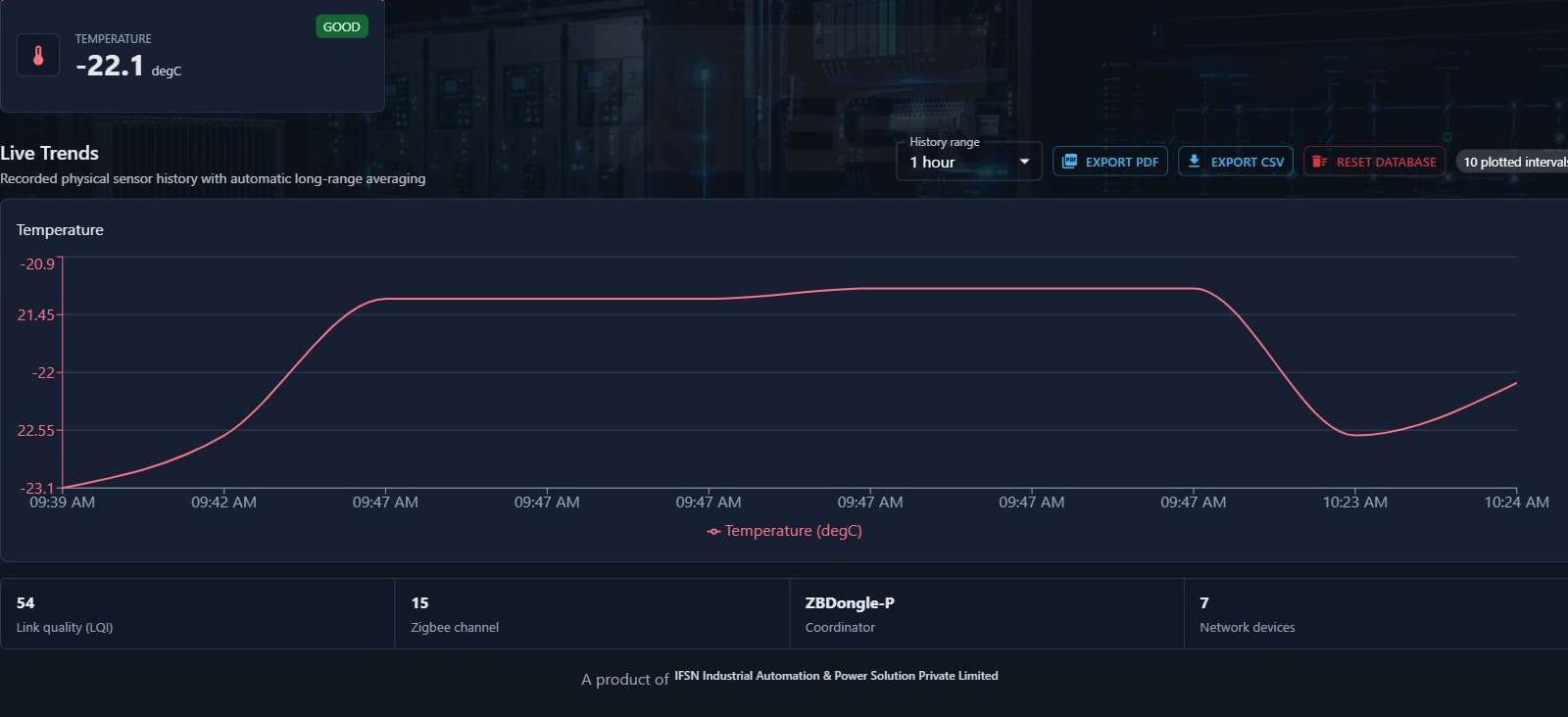
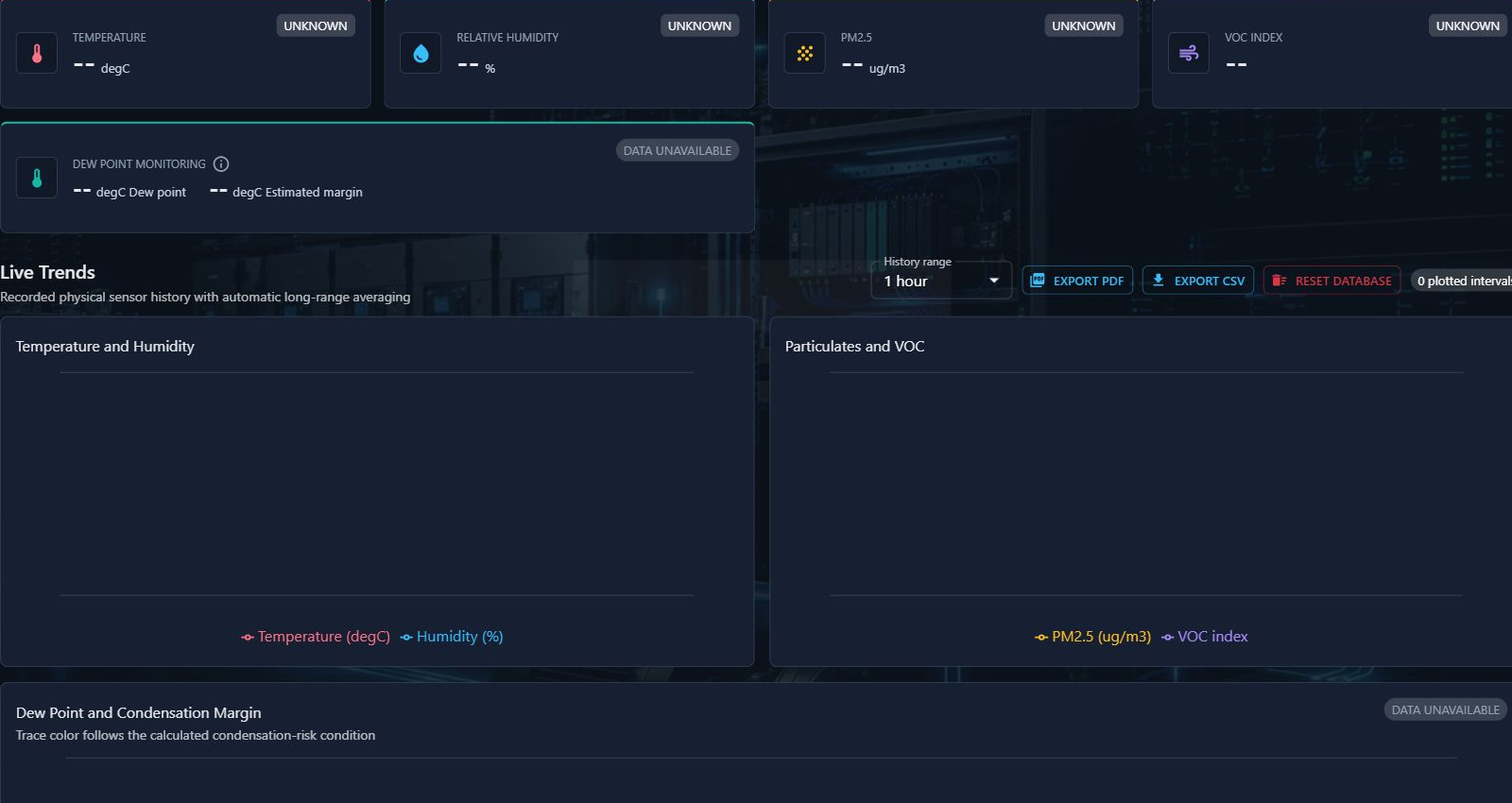
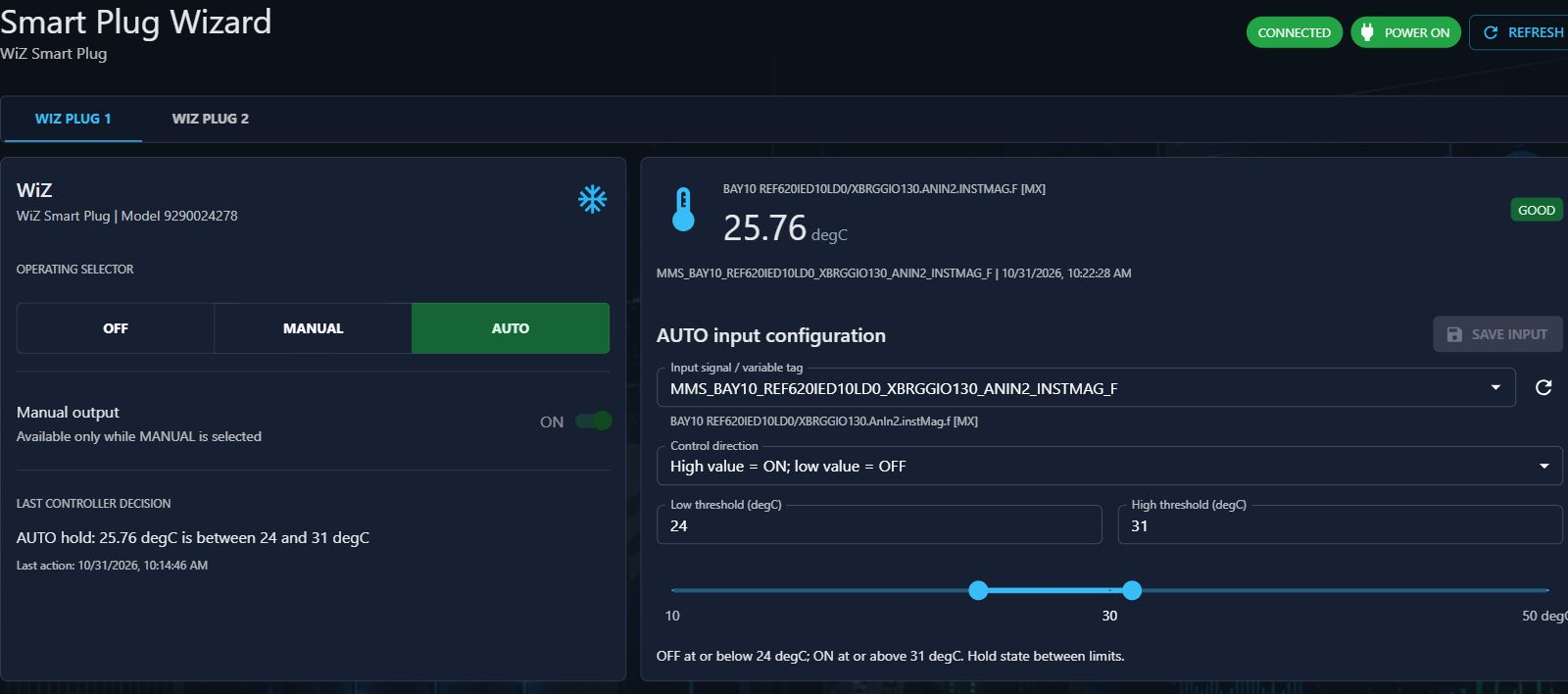
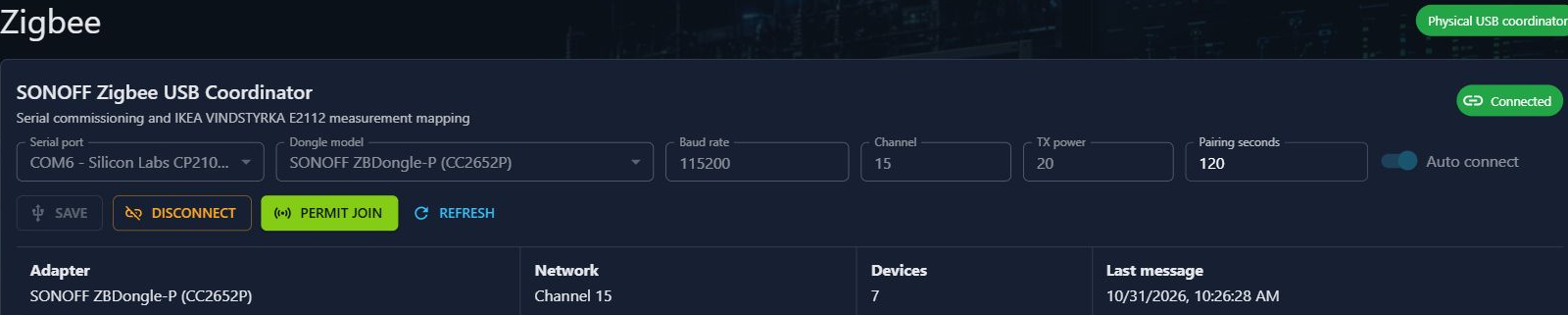
Captured from the running application. Open any image at full size. Original quality and operating states are retained.
01
Sensor workspaces
Keep each configured device identifiable.
- Supported measurements can include temperature, humidity, PM2.5, VOC indication and device health fields.
- Available fields depend on the actual sensor and its mappings; an absent measurement is not a zero.
- Local/cloud Tuya and coordinator-based Zigbee workflows have different commissioning requirements.
02
History and dew point
Use environmental trends to investigate changing conditions.
- Condition-history services provide interval queries and branded PDF reporting.
- Dew point is calculated from valid temperature and relative humidity inputs.
- Compare source age and quality when interpreting the calculated result.
03
Configured smart-plug automation
Related WiZ workflows use shared temperature inputs.
- The smart-plug module separates OFF, MANUAL and AUTO application modes.
- Threshold/hysteresis settings and command outcomes require review for the intended load.
- Device identity, stale inputs and operating authority matter when commissioning automation.
A typical workflow
- 01Confirm coordinator/device compatibility and commission a distinct sensor.
- 02Validate mappings against the physical sensor and inspect update age.
- 03Use its historical view or derived dew point; commission any actuator workflow separately.
Scope for your installation
- Sleeping sensors may not produce new readings at the requested polling cadence.
- Ambient dew point alone does not measure surface condensation. Surface temperature or an explicit assumption is needed to establish a dew-point margin.
- A consumer smart plug is not automatically suitable for every HVAC or industrial load.
These guides describe reviewed application modules. The available Windows download is V4.0.0; newer source features may require a later package. IFSN will confirm the modules, compatible hardware and commissioned scope for your release.
Your site. Your requirements.
See how it fits your installation.
Share your relays, meters, sensors, protocols and reporting needs. Our engineers can discuss a demonstration and the appropriate customer package.